Bulk Upload Etsy Listings: 5 Tools Compared

Bulk Upload Etsy Listings: 5 Tools Compared
Most people searching "bulk upload etsy listings" are looking for a CSV button that doesn't exist. Etsy lets you copy a listing, one at a time, and bulk edit listings you already have. It won't let you drop a spreadsheet of 200 new products into your shop. That gap is why a whole category of tools exists, and why they do very different jobs under similar names.
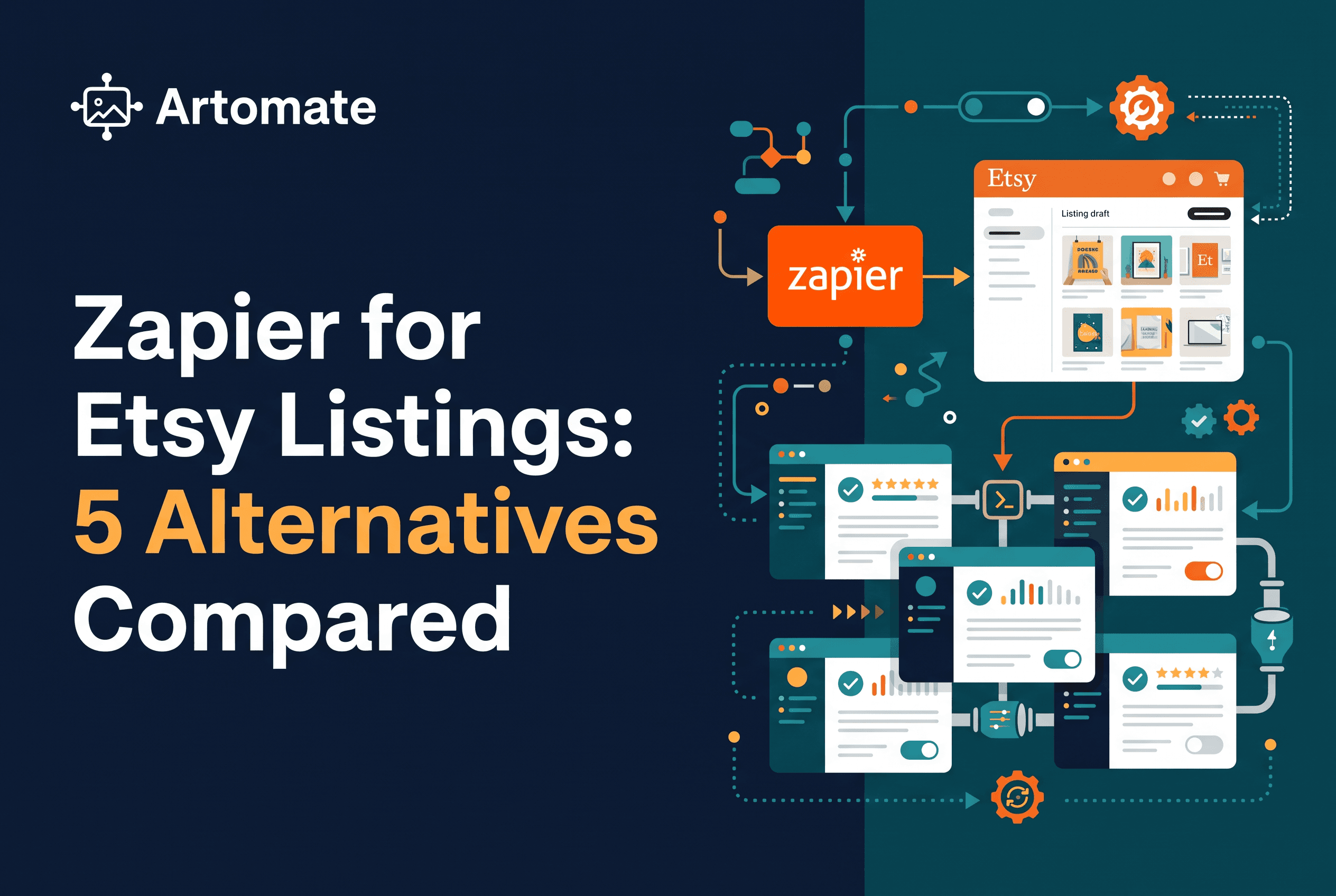
This post sorts five approaches by what they actually do: Etsy's own copy and bulk edit tools, Vela, ShopPilot, a DIY build with Google Sheets, Make.com and the Etsy API, and Artomate. Artomate is our product, so here's where it sits: it's for poster sellers on Etsy who still need the artwork and mockups made, not just uploaded. If your files are finished, a different row of this comparison may fit you better, and I'll say so where it does.
No winner is crowned. The right pick depends on where your workflow starts and what you already have on disk.
Quick summary: what each tool does
A compact version before the detail. Each line says what the tool does, nothing more.
- Etsy's own tools (copy listing, bulk edit): Copy listing duplicates one existing listing into a new draft. Bulk edit changes fields on listings that already exist. Neither creates new listings in bulk.
- Vela: A third-party Etsy listing management tool for editing and managing listings in batches, working from listings and files you have prepared.
- ShopPilot: A third-party tool for creating draft listings in batches.
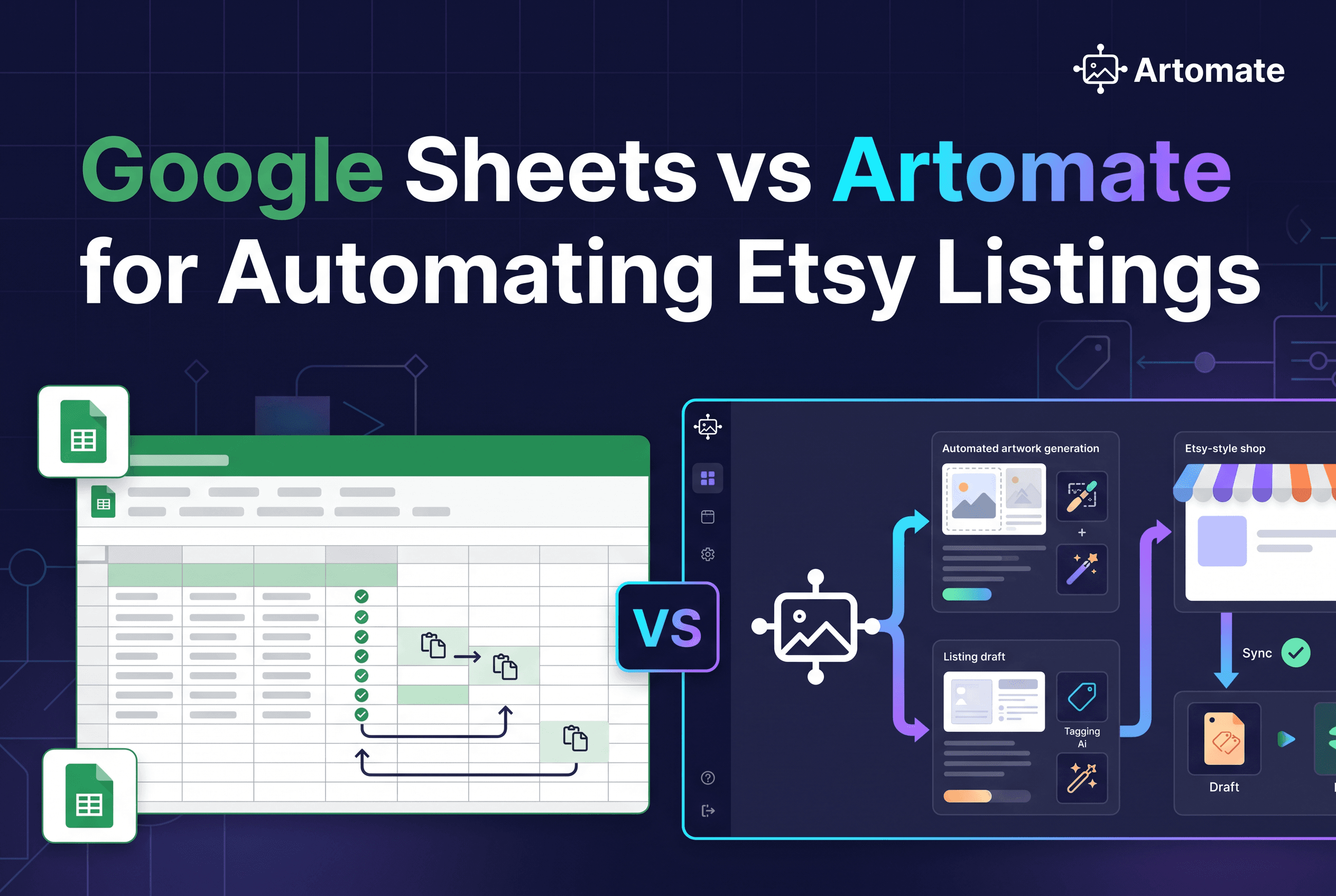
- Make.com + Google Sheets + Etsy API: A do-it-yourself automation. You build a scenario that reads rows from a sheet and creates draft listings through the Etsy API, then handle images and publishing as separate steps.
- Artomate: Starts from a poster idea (or your own artwork), generates the artwork and mockups, writes the title, description and tags, and prepares an Etsy draft listing for you to review before publishing. Posters and Etsy only. Not a print provider.
Tool features change, so check each vendor's current docs before you commit. The rest of this post explains the differences behind those one-liners.
How do you automate Etsy listings in 2026?
Pick the stage you want to automate, then pick a tool for that stage. Etsy has no native CSV upload for new listings, so bulk creation runs through a third-party tool, a DIY build on the Etsy API, or a workflow tool. Artomate covers the full poster path: it generates artwork, makes mockups, prepares listing copy, and prepares Etsy draft listings. Editing tools only change listings you already have, so match the tool to where your time actually goes.
First, the catch: Etsy has no native CSV upload for new listings
Etsy doesn't accept a CSV of new listings. Anyone telling you to "just upload your spreadsheet" is either describing a third-party tool or confusing Etsy with another marketplace.
Inside Shop Manager, Etsy gives you two things. Copy listing takes a listing that already exists and creates a duplicate you then edit. It's one at a time, and you still swap the images, rewrite the title and fix the tags by hand. Bulk edit lets you select many existing listings and change shared fields, such as price, shipping profile or renewal options. It can't create anything. It only changes what's already live or already drafted.
So the honest answer to "how to bulk upload Etsy listings" is that you don't, natively. You either build each listing by hand, or you use something that talks to Etsy on your behalf, through the Etsy API.
That changes the question. The useful question isn't "which tool uploads fastest" but "where does my workflow start, and what do I still have to prepare myself." A tool that batch-creates drafts from finished files saves you a different hour than a tool that makes the files in the first place. If you're still working out the basics of fees, files and listing structure, our guide on how to sell art on Etsy covers them before you pick a tool.
Comparison table: where each tool starts and what you prepare
This table compares workflow, not quality. Read the last column first, because that's where the real hours hide.
| Criterion | Etsy copy / bulk edit | Vela | ShopPilot | Make.com + Sheets + API | Artomate |
|---|---|---|---|---|---|
| Where it starts | An existing listing | Listings and files you prepared | Files you prepared | Rows in your sheet | A poster idea or your own artwork |
| What it creates | A duplicate draft (copy) or edits to existing listings (bulk edit) | Managed and edited listings in batches | Batches of draft listings | Draft listings via the API | Etsy draft listings with artwork, mockups, title, description, tags |
| Review before publish | Yes, you publish manually | Check vendor docs | Drafts for you to review | Drafts are inactive until you publish | Yes, drafts for your review before publishing |
| What you prepare yourself | Everything: images, copy, tags | Files, copy and structure | Artwork, mockups, source files | Artwork, mockups, copy, the sheet, the scenario | Your idea or artwork; the rest is generated |
| Scope | Any Etsy listing | Etsy | Etsy | Anything the API supports | Posters on Etsy only |
Two things to notice. Only one column starts before the artwork exists. And every column ends at a draft or an edit you review. Nothing here removes the review step, and you wouldn't want it to: a listing with the wrong title goes live under your shop name.
I haven't verified every vendor's current feature set, so treat the Vela and ShopPilot cells as a starting point and confirm against their documentation.
Etsy copy and bulk edit, Vela, and ShopPilot: editing, managing and batch-drafting
These three attack the same pain from different angles, and none of them makes your artwork.
Etsy copy listing and bulk edit are free and already in your shop. Copy listing is the right move when you have a winning listing and want a near-identical sibling, say the same poster in a new colorway. You duplicate, change the image and title, and save. It's slow at scale, but it's safe and uses Etsy's own interface. Bulk edit is for maintenance: changing prices or shipping across fifty listings in one pass. Know its limit. It edits existing listings only.
Vela sits in the listing management category. Its job is to help you edit and manage many listings at once instead of opening them one by one. If your problem is housekeeping across a catalog you already have, that's the shape of problem it addresses. If you have 300 posters on disk and zero listings, a management tool is only half the answer.
ShopPilot works from prepared files. You bring finished artwork and mockups, and it batch-drafts the listings. That's a real saving when the production work is already done. The catch is the word "prepared": someone still has to generate the art, build every mockup and settle the copy before the batch runs.
The pattern is the same across all three. They speed up the last mile, from finished file to listing. They don't touch the first miles: demand research, artwork, mockups. If your bottleneck is the last mile, that's exactly right.
What are the best Etsy listing optimization tips?
Write titles and tags in the words a buyer would actually search, and put the main phrase early in the title. Use all your photo slots with clean mockups that show the poster in a room and at different sizes. Describe the print size, paper and framing options clearly in the description. Keep wording consistent across a catalogue so you can see what works. Optimization is easiest when you can edit many listings in one go instead of one by one.
The DIY route: Google Sheets, Make.com and the Etsy API
If you like building things, you can assemble your own bulk uploader. The usual stack is a Google Sheet as the data source, Make.com as the automation layer, and the Etsy Open API v3 as the destination. People also add OpenAI to the scenario to draft titles and descriptions from a keyword column, which is the "automate Etsy listings with AI" pattern you see in tutorials.
What the Etsy API actually does surprises people. Creating a listing through the API produces a draft, and that draft is inactive. Images aren't part of the same call: each image uploads through a separate request after the listing exists. Publishing is a third, separate step that moves the listing from draft to active. So even a "fully automated" scenario is really three stages: create the draft, attach the images, then publish. Check Etsy's current developer documentation for the exact endpoints, because they change.
Tutorials skip the upkeep. You need an approved Etsy API app and OAuth tokens that expire and need refreshing. You have to manage rate limits and ensure inputs follow Etsy's constraints, such as tags limited to 20 characters and titles capped at 140 characters. When an AI step writes copy, you're reviewing it anyway.
The DIY route is the most flexible and the cheapest in cash. It's also the one where you become the maintainer of your own software. Choose it if building the pipeline is something you enjoy, not as a shortcut. It also still assumes your artwork and mockups already exist, since the sheet only points at files.
Artomate: idea to draft listing for posters on Etsy only
Artomate starts earlier than every other row in the table. You bring a poster idea, or your own artwork, and the workflow handles the rest: it generates the artwork, creates mockups in the cloud without Photoshop, writes the title, description and tags, and prepares an Etsy draft listing with all of it attached. You review the draft and publish.
It can also do the research step. Best-seller research uses your paid Etsy order history or platform demand signals to suggest adjacent poster ideas with real buyer intent, and the pipeline can run on a schedule in the background while you work on the shop.
The boundaries decide whether it fits you, so here they are plainly. Artomate is built for posters and for Etsy only. It isn't a print provider or a fulfilment service, so it doesn't print or ship, and it isn't an alternative to Printful, Printify or Gelato. You still pair it with whatever prints and ships your orders. Listings arrive as drafts, never auto-published.
On cost, Artomate lists a pay-per-generation Flex option plus monthly plans, and the Starter plan covers mockups from your own artwork without AI generation or Etsy posting. Check the live pricing page before you decide, since plans change.
If your bottleneck is the repetitive path from a poster idea to an Etsy-ready listing, that's the job it's built for. To see how the generation side compares to other poster tools, read our breakdown of AI poster generators for Etsy.
Verdict: who should pick Artomate, and the next step
Match the tool to where your workflow actually starts.
If you have a handful of listings to tweak, Etsy's copy listing and bulk edit are enough and cost nothing. If you have a prepared catalog and want help managing or batch-drafting it, Vela and ShopPilot are built around that starting point. If you enjoy building systems and your files are ready, the Make.com, Sheets and API route gives you control at the price of upkeep.
Pick Artomate if you sell posters on Etsy, you don't have a folder of finished artwork and mockups waiting to be uploaded, and you want the artwork, mockups and listing copy produced for you as reviewable drafts. The other options begin with files you made. Artomate begins with an idea.
Once drafts exist, our guide to Etsy SEO tools for poster sellers goes through titles and tags. For the wider field of tools, see Etsy listing automation tools compared.
What are the best practices for Etsy automation?
Automate the repetitive steps and keep your judgment on the creative ones. Start with a small batch of listings and review each result before you scale. Keep your design style and niche consistent so the catalogue feels like one shop. Check every draft for accuracy, since automated copy still needs a human read before it goes live. Keep Etsy's rules in mind, and treat every generated listing as a draft until you've approved it.
Conclusion
Etsy won't take a CSV of new listings, so every bulk upload route is really a choice about where your work starts. If your art and mockups are already finished, a batch-drafting or management tool covers the last mile. If you're a poster seller who needs the artwork, mockups, titles, descriptions and tags made before anything can be uploaded, that's the gap Artomate fills, with every listing waiting as a draft for you to review.
The practical next step: pick one poster idea and run it through Artomate's workflow to see a finished Etsy draft. Check the pricing page for the current Flex option, which charges per successful generation with no subscription, and judge the draft quality yourself before you scale a catalog.

George Jefferson
Founder of Artomate
George has generated over £100k selling AI-generated posters on Etsy and built Artomate to automate the entire print-on-demand workflow. He writes about AI art, Etsy strategy, and scaling a POD business.
Learn more about me →