AI Watercolor Art Generator: 6 Tools for Etsy Prints
AI Watercolor Art Generator: 6 Tools for Etsy Prints
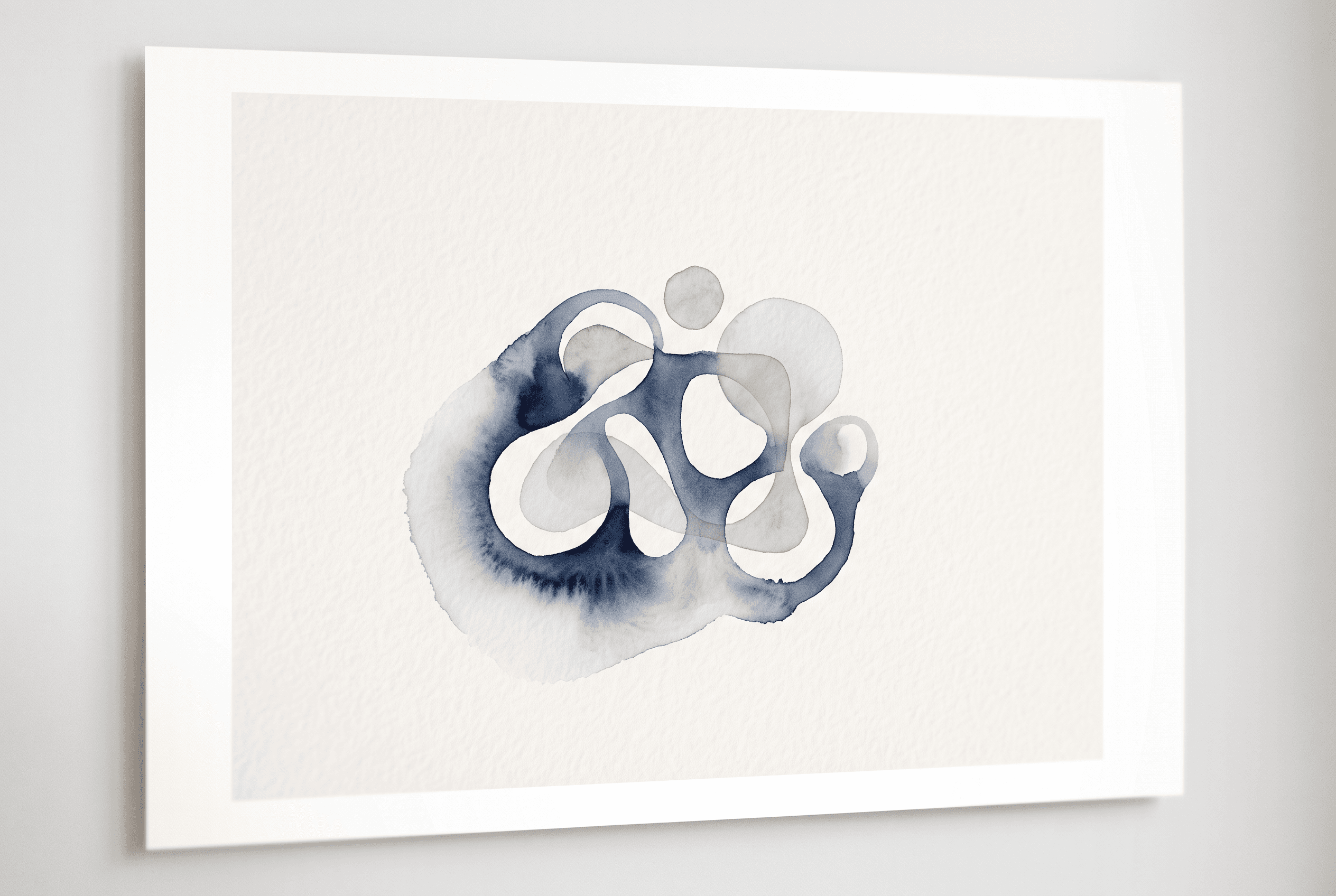
Watercolor sells on Etsy because it feels handmade. Buyers searching for a botanical print, a coastal landscape or a nursery animal want soft edges, a little pigment bleed and the faint grain of cold-press paper. They don't want the glossy, over-sharpened look that gives most AI images away.
So the question for a seller is narrower than "which AI art tool is best". It is: which ai watercolor art generator produces something that survives printing at poster size, comes with terms that let you sell it, and gets you to a live listing without a weekend of busywork.
I compared six tools on exactly that: Midjourney, Ideogram, Recraft, Adobe Firefly, Canva and Artomate. They don't all do the same job. Three are image-first generators. Three are more about what happens once the image exists. Artomate is not the best pick for every seller, and I'll say where a general generator fits better. Pick by the job you need done, not by the longest feature list.
At a glance: the six tools and what each does best for watercolor prints
Here is the short version before the detail.
- Midjourney: the strongest option when you want a painterly, atmospheric watercolor look and are willing to iterate on prompts. Image-first, no listing tools.
- Ideogram: best when the watercolor print includes lettering, like a nursery name poster or a quote over a floral wash. Its strength is legible text inside the image.
- Recraft: best when you want a consistent style across a set, and it has vector and raster output options that suit cleaner, illustrated watercolor looks.
- Adobe Firefly: best if you already live in Creative Cloud and want generative fill and editing around the image, with Adobe's own commercial-use framing.
- Canva: best for quick layout work, text and framing around an image, and for sellers who already design there.
- Artomate: built for Etsy poster sellers who want the path from idea to artwork, cloud PSD mockups and an Etsy draft listing for review in one workflow.
Notice the split. The first three make the image. The last three handle what you do with it. A serious seller usually needs both halves, and for some shops the honest answer is a general generator plus a separate way to build mockups and listings.
What makes a watercolor generator work for Etsy prints
Watercolor is one of the harder styles for AI, and the failure modes are specific. Know them before you judge a tool on a single pretty thumbnail.
Paper texture. Real watercolor sits on paper with tooth. Weak outputs look like a smooth digital gradient wearing a watercolor filter. Look at the flat areas of a wash: is there grain and uneven pigment, or is it suspiciously clean?
Soft edges and bleed. Wet-on-wet blooms, feathered edges and the occasional hard tide line make the style read as handmade. Outputs with crisp vector-like outlines around every petal read as digital illustration, which is a different product.
Poster-size resolution. This is where sellers get burned. A square image that looks fine on screen can fall apart at 18x24 inches. Check the native output size for each tool, then plan an upscaling step if you need one. I covered that step in detail in AI Upscaler for Etsy Poster Prints: 6 Tools Compared, and the file basics in Print-on-Demand Poster Quality: DPI, Colour & File Formats.
Consistency across a set. Etsy buyers often want a trio or a gallery wall. A generator that gives you one great image and then drifts in palette and brush feel on the next is costing you listings.
Test every tool the same way: one prompt each for a botanical subject, a coastal subject and a nursery animal, at the largest size the tool offers. Print one. Screens lie about texture.
Comparison table: watercolor output, resolution, commercial-use terms, path to an Etsy listing
This table is deliberately qualitative. Vendors change plans, limits and licence wording often, so treat the commercial-use row as a pointer to what to verify, not as legal advice.
| Criterion | Midjourney | Ideogram | Recraft | Firefly | Canva | Artomate |
|---|---|---|---|---|---|---|
| Watercolor look | Strong, painterly, atmospheric | Good, best with text in the image | Good, clean and consistent | Decent, safe and polished | Basic, depends on the image used | Uses current AI image models, quality varies by model |
| Resolution for posters | Often needs upscaling for large prints | Often needs upscaling | Raster and vector options | Often needs upscaling | Depends on the source image | Check output size per model before listing |
| Commercial-use terms | Plan-dependent, read current terms | Plan-dependent, read current terms | Plan-dependent, read current terms | Adobe publishes its own commercial-use framing | Content licence terms apply to Canva assets | Read the model and plan terms you generate under |
| Path to an Etsy listing | Manual: download, mockup, write copy, upload | Manual | Manual | Manual, though Adobe tools help with editing | Manual, with strong layout tools | Artwork, cloud PSD mockups and Etsy draft listings for your review |
The last row is the real separator. Four of these tools stop at an image or a layout. Only one is built around the Etsy listing as the end product. That doesn't make it the best watercolor engine. It makes it the shortest path from idea to a draft.
Midjourney, Ideogram, Recraft: the image-first generators
If your only question is "which tool makes the best watercolor image", start here, and be honest that Artomate doesn't always win.
Midjourney is the one I'd reach for first on pure look. It's good at the loose, wet, slightly imperfect quality that makes botanical and landscape watercolor feel real. If your shop lives or dies on artistic character, Midjourney beats a workflow tool on the image itself. The cost is that it only makes images. You still download, upscale, build mockups, write titles and tags, and upload by hand.
Ideogram wins when words are part of the product. A nursery poster with a baby name, or a coastal quote over a soft blue wash, needs readable lettering. Ideogram is built around rendering text accurately inside images, which most generators still fumble. If typography is half your catalogue, it earns a place. For deeper type-led design, see AI Typography Poster Generator: 6 Tools for Etsy Compared.
Recraft wins on consistency and clean illustration. It fits sellers building matching sets in one style, and its vector options suit watercolor-inspired illustration that has to stay sharp at large sizes. It leans more graphic than painterly, so it suits a cleaner watercolor aesthetic rather than a wet, bleeding one.
All three leave the listing work to you. That's fine if you produce a handful of designs a month. It becomes the bottleneck when you're trying to grow a catalogue.
Firefly, Canva, Artomate: what each does after the image exists
These three matter less for the raw watercolor look and more for the work that follows.
Adobe Firefly suits sellers already inside Creative Cloud. You can generate, then refine with Adobe's editing tools, and Adobe frames its models around commercial use, which some sellers value for peace of mind. The watercolor output tends to be polished and safe rather than expressive. It's a sensible choice if your pipeline already runs through Photoshop or Illustrator.
Canva is the layout tool most sellers already know. It's excellent for dropping text over an image, building frames and borders, and making quick variants. It isn't a watercolor specialist, so treat it as the finishing layer rather than the source of the art.
Artomate is built for the part the others skip. It generates poster artwork with current AI image models, creates mockups in the cloud from PSD templates without needing Photoshop, and prepares Etsy draft listings with artwork, mockups, titles, descriptions and tags for you to review before publishing. It can also research demand from your Etsy order history or platform signals to suggest adjacent poster ideas.
It has limits. It's built around posters and Etsy, it isn't a print provider, and it doesn't print or ship. The watercolor quality depends on the image model you pick, so judge the art on your own test prompts.
If you want a fuller look at the mockup side, Etsy Poster Mockup Generator Tools: 9 Options Compared goes through the options.
Commercial-use terms and Etsy AI disclosure: what to check in each vendor's current docs before you sell
I won't quote licence clauses from memory. They change, they differ by plan, and quoting stale terms is how sellers get into trouble. Instead, here is the checklist to run against each vendor's current documentation before you list anything.
1. Does your plan allow commercial use? Many tools restrict commercial rights to paid tiers. A free or trial account may not cover selling prints. Read the current terms page for the exact plan you generate on, not the marketing page.
2. Who owns the output, and what are the limits? Look for language on ownership, exclusivity and any restricted uses. Some vendors grant broad rights, others carry conditions.
3. What happens if you cancel? Check whether images made under a paid plan stay usable after the subscription ends.
4. Does the tool use third-party assets? Canva, for example, applies separate licence terms to stock elements inside a design. A watercolor image from elsewhere dropped into a template with licensed elements is a different rights question from a pure AI image.
5. What does Etsy currently require you to disclose about AI? Etsy has rules about how AI-assisted items are described and what counts as handmade or created by you. Read Etsy's current Creativity Standards and seller policy before you publish, and describe your process honestly in the listing.
For a wider look at the terms side across free tools, see Free AI Poster Generators for Etsy: Commercial Use and Limits. Save a dated screenshot of the terms you relied on. It takes two minutes and settles arguments later.
Verdict: choose Midjourney if..., Ideogram if..., Recraft if..., Firefly if..., Canva if..., Artomate if...
There's no single winner. Match the tool to your bottleneck.
Choose Midjourney if the watercolor look is your whole brand and you're happy to handle mockups and listings yourself. It's the best pure-art pick here.
Choose Ideogram if your prints carry text: names, quotes, nursery lettering. Legible type inside the image is its edge.
Choose Recraft if you build matching sets and want consistent, cleaner illustration that scales to large sizes.
Choose Firefly if you already work in Creative Cloud and want generation plus Adobe's editing around it, with Adobe's commercial-use framing in view.
Choose Canva if your gap is layout, text and quick variants rather than the art itself. Pair it with a generator.
Choose Artomate if the image is no longer your slow step. If you already know what watercolor styles you want and the grind is mockups, titles, tags and drafts for every design, Artomate replaces that repetitive path. The ideas behind that are in Turn One Poster Design Into Multiple Etsy Listings.
A realistic setup for many shops is a general generator for the hero art and Artomate for everything after. Use each tool where it's strongest instead of forcing one to do everything.
Conclusion
Run a one-week test. Pick three watercolor subjects for your shop, say a botanical, a coastal scene and a nursery animal, and generate each in two image-first tools. Print the best one at poster size and judge the paper texture and edges in your hands, not on a screen.
Then count the clicks it takes to get that image to a draft listing: mockups, title, description, tags, upload. If that second half is where your evenings go, try Artomate on the same designs. Flex is £2 per successful generation with no subscription, and failed generations aren't charged, so the test costs very little. Check the live pricing page first, since plans change. Drafts land in your Etsy shop for your review before anything is published, so you stay in control of what goes live.
George Jefferson
Founder of Artomate
George has generated over £100k selling AI-generated posters on Etsy and built Artomate to automate the entire print-on-demand workflow. He writes about AI art, Etsy strategy, and scaling a POD business.
Learn more about me →