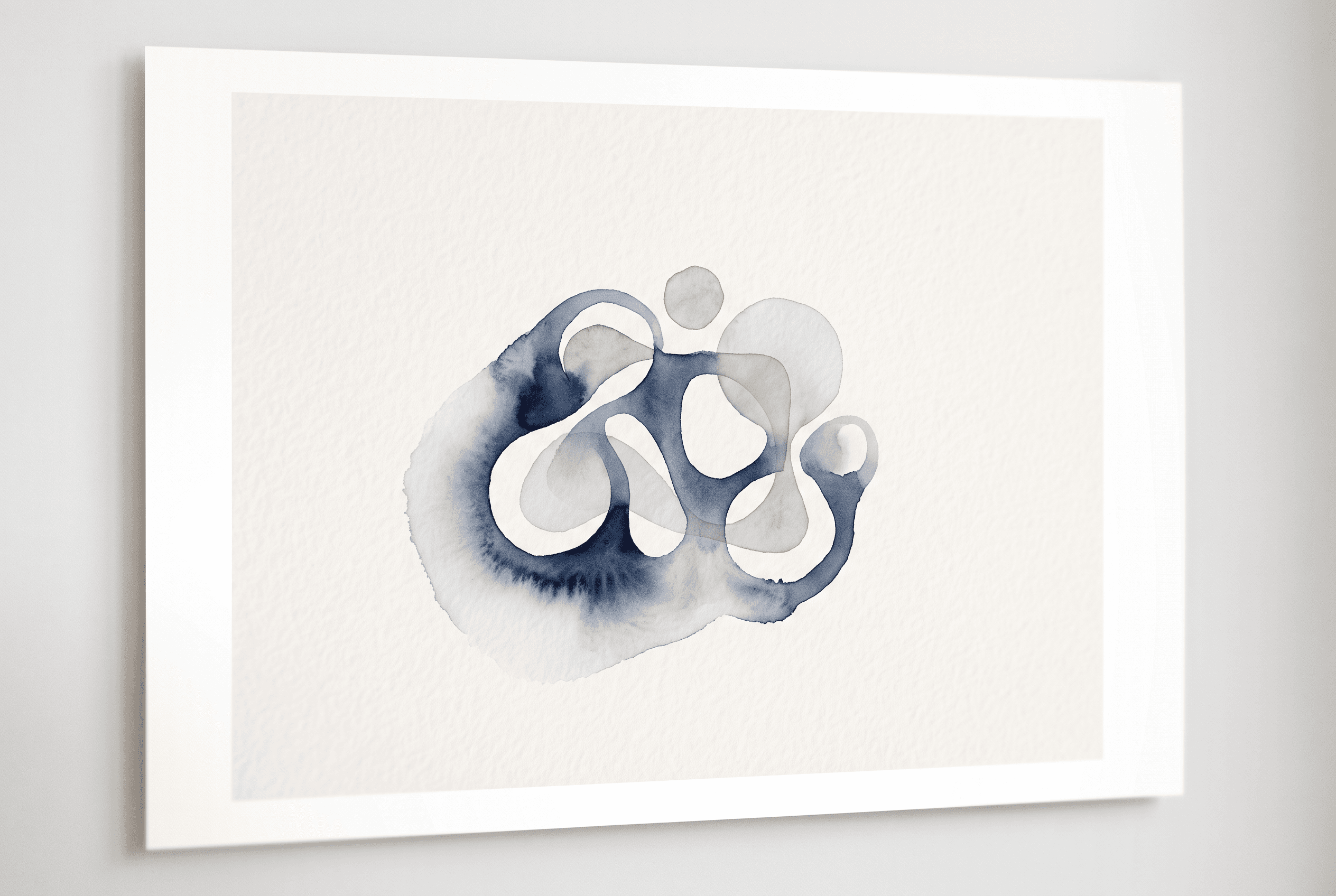
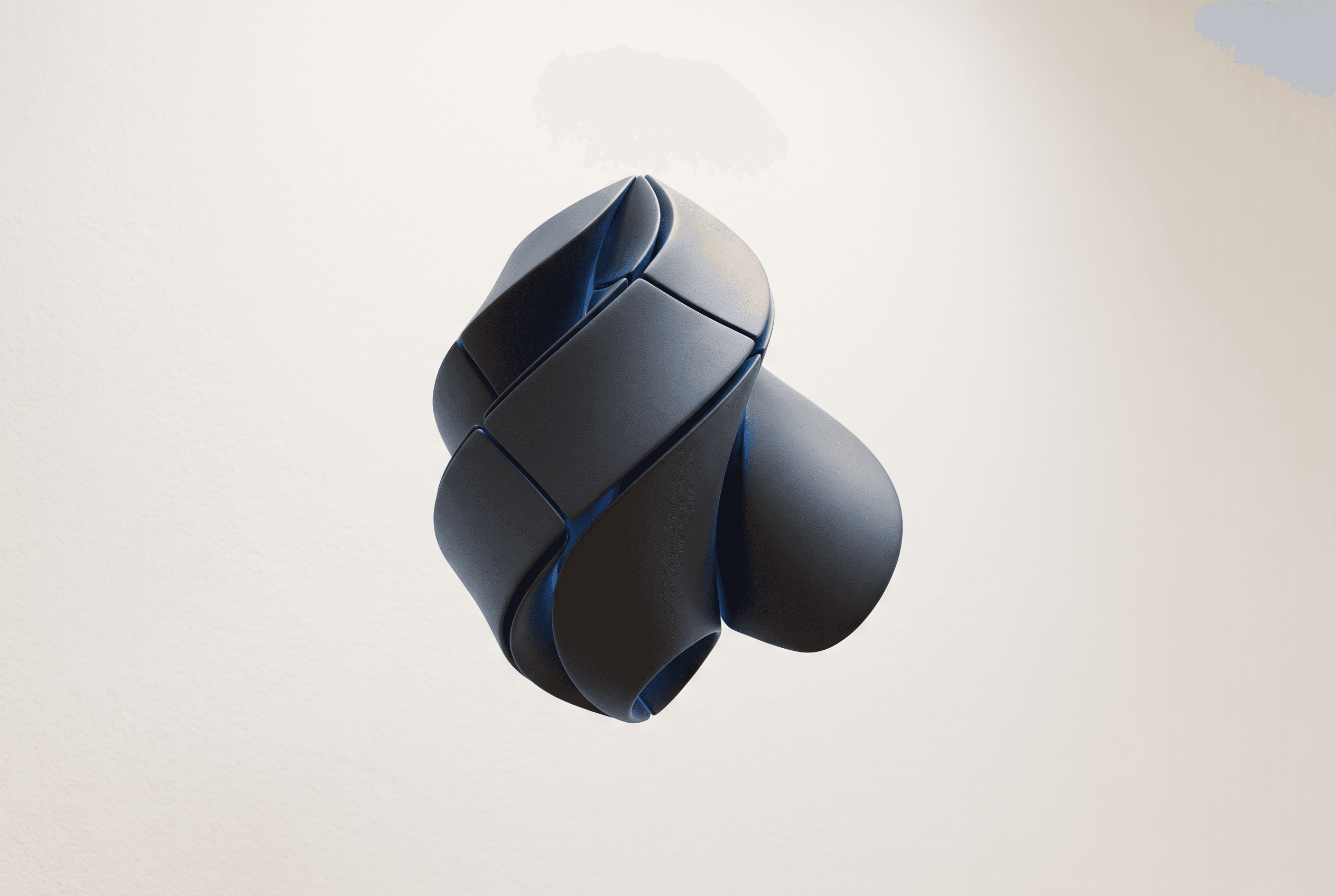
Best AI Art Generator for Wall Art Prints: 7 Tools for Etsy

Best AI Art Generator for Wall Art Prints: 7 Tools for Etsy
Every seller shopping for an image model eventually hits the same bottleneck. Generating a sharp raster graphic takes thirty seconds. Turning that raw file into a salable print listing on Etsy eats half an evening. Between ratio adjustments, resolution scaling, Photoshop mockups, and writing tags, the canvas itself is only the first link in a long chain.
The best AI art generator for wall art prints depends on what happens after you click generate. Some engines specialize in typographic clarity for retro travel quotes. Others offer native vector output for crisp geometric lines, and workflow systems handle the listing prep entirely. Here is how seven options perform when evaluated through a poster seller's daily routine.
Quick comparison table: 7 tools, what each does best for wall art
Different generators solve different production problems. A model tuned for photorealistic portraits behaves very differently from an engine built for typography or vector icons. If your shop sells minimalist linework, your production criteria look nothing like a shop selling surreal oil paintings.
| Tool | Best for Wall Art | Native Text Rendering | Output Formats | Primary Strength in Poster Workflow |
|---|---|---|---|---|
| Midjourney | Painterly and photorealistic textures | Moderate (improving in v6+) | PNG, WebP | Rich artistic aesthetics and prompt response |
| Adobe Firefly | Clean commercial graphic design | Basic to moderate | PNG, JPG | Deep Adobe Creative Cloud ecosystem integration |
| Ideogram | Typographic posters and signage | Strong native text rendering | PNG, JPG | Reliable lettering without manual letterform cleanup |
| Recraft | Flat vector art and scalable graphics | Moderate | SVG, PNG, JPG, Lottie | Native infinite-resolution SVG exports for print |
| Leonardo AI | Style training and game/fantasy assets | Moderate | PNG, JPG | Custom model training and canvas editing tools |
| ChatGPT (DALL-E 3) | Conceptual illustration and rapid drafting | Moderate to strong | WebP, PNG | Conversational prompting and concept iteration |
| Artomate | End-to-end Etsy poster pipeline | Model-dependent (multi-model) | Cloud mockups, Etsy drafts | Automates research, mockups, copy, and Etsy drafts |
Seen side by side, each tool earns its keep in a different spot. A standalone image generator leaves mockups, keyword research, and shop uploads on your desk. Pick the tool that matches your catalog style to the engine's core output.
Who each tool is genuinely best for
Midjourney suits sellers who put visual complexity and painterly atmosphere first. If your shop sells moody landscapes, botanical oil paintings, or textured mid-century abstracts, Midjourney gives you unmatched lighting and stylistic range. You'll need external tools for mockups, resolution scaling, and uploading.
Adobe Firefly fits graphic designers who already pay for an Adobe Creative Cloud subscription. It generates commercial assets you can pull straight into Photoshop, InDesign, or Illustrator. Its output drops into existing print production templates without friction.
Ideogram is the top pick for sellers focused on typography. Traditional image generators garble text, producing melted letters that make inspirational quotes and retro travel posters impossible to sell. Ideogram renders legible, coherent text directly inside the image.
Recraft belongs on the screen of anyone producing vector wall art. If you sell nursery prints, mid-century geometric prints, or flat graphic illustrations, Recraft exports actual SVG vector paths. They scale to any paper size without raster pixelation.
Leonardo AI is built for shop owners who want granular model control. If you want to replicate one artistic aesthetic across fifty prints, Leonardo lets you train custom LoRA models or fine-tune specific visual styles.
ChatGPT image generation works best for sellers who like to brainstorm in conversation. Describe a concept, ask the assistant to tweak the lighting, and iterate fast without memorizing dense command parameters.
Artomate is built for Etsy print-on-demand poster sellers who want to automate the path from market research to a finished listing. It isn't just an image generator. It handles demand research, artwork generation, cloud PSD mockups, and Etsy draft listing prep in a single automated loop.
Aspect ratio control and text rendering: what vendor docs say, and 'not stated' where they are silent
Wall art depends on rigid physical paper proportions. Standard print frames follow strict aspect ratios: 2:3 (for 24x36 inches), 3:4 (for 18x24 inches), 4:5 (for 16x20 inches), or ISO formats like A1 and A2. When an AI tool forces you into a square 1:1 box, you have to crop the image later, which wrecks balanced compositions.
Midjourney's documentation details native aspect ratio flags via the --ar parameter, supporting arbitrary ratios like --ar 2:3 and --ar 3:4. Text rendering has improved in versions 6 and above, and quoted text strings now work in prompts, though complex typography still produces visual artifacts at times.
Adobe Firefly provides several standard preset aspect ratios to choose from. Documentation on exact custom integer ratios is not stated. Text rendering inside Firefly produces clean basic lettering, but the docs indicate complex decorative typography needs external layout tools.
Ideogram calls out text rendering as its primary technical feature, documenting reliable generation of typography, slogans, and structured layout lettering. Its interface offers native ratio controls including 10:16, 16:10, 1:1, and custom dimensions.
Recraft documentation notes support for custom aspect ratios and arbitrary canvas dimensions. Its text rendering works for simple headers, but the docs say intricate typography is best finished in its vector editing features.
Leonardo AI's docs detail exact aspect ratio sliders and pixel dimension inputs, which gives sellers precise bounding box control. Text accuracy is supported through newer underlying foundation models, but exact native typographic success rates are not stated.
ChatGPT image generation supports square, widescreen, and portrait formats through conversational prompts. Text rendering inside DALL-E 3 handles short phrases and signage cleanly, though paragraphs and complex spelling still drift.
Artomate documents multi-poster generation and model selection on supported plans, generating artwork within automated listing pipelines tailored to poster dimensions. Native text generation varies by the underlying model you choose in the seller workspace.
Vector output and commercial-use terms as stated in vendor docs
Selling digital downloads or physical prints requires unambiguous commercial rights. You can't build an Etsy inventory on a platform whose terms restrict resale. Vendor terms change often, so check current terms before relying on them for commercial production.
Recraft stands out by offering vector SVG export alongside standard raster formats. Vector paths are mathematical equations rather than fixed pixel grids, so sellers can scale a Recraft design to billboard size with zero blur. Recraft's documentation states that paid subscribers own the rights to the images they create, including commercial use.
Midjourney provides commercial usage options across its subscription plans. Users on free legacy tiers don't own their images for commercial resale. Midjourney generates raster files only. Native vector export isn't supported, so sellers must use auto-trace software or upscalers to reach print resolutions.
Adobe Firefly documentation states that outputs from paid commercial plans are designed to be safe for commercial use, trained on Adobe Stock and public domain content. Output formats are standard raster files (PNG and JPG). Direct SVG generation is reserved for specific vector modules within Illustrator.
Ideogram outlines specific guidelines regarding the ownership and use of generated content. Paid tiers grant full commercial rights. Ideogram outputs raster files, and vector export is not stated.
Leonardo AI outlines commercial usage rights for users depending on their account tier. Free accounts may have public visibility constraints. Output formats are raster PNG and JPG files, and vector output is not natively supported.
OpenAI provides guidelines regarding commercial rights and ownership for generated images. Outputs are raster formats.
Artomate is built for commercial print-on-demand poster sellers on Etsy.
Print size without guesswork: the 300 DPI arithmetic for 8x10, 18x24, 24x36, plus a link to the AI upscaler comparison post
Printing physical posters requires simple math that many beginners skip. A commercial print shop needs 300 dots per inch (DPI) to produce crisp lines without visible pixelation or fuzzy edges. If an AI generator outputs an image that is 1024 by 1024 pixels, printing it at 300 DPI yields a print only 3.4 inches wide.
To find the pixel dimensions for common poster sizes, multiply the target physical dimensions by 300:
- 8x10 inches: 2,400 x 3,000 pixels at 300 DPI
- 18x24 inches: 5,400 x 7,200 pixels at 300 DPI
- 24x36 inches: 7,200 x 10,800 pixels at 300 DPI
Almost no standalone AI art generator produces 7,200 by 10,800 pixels natively. Midjourney, Firefly, and Leonardo typically output base images between 1024 and 2048 pixels on the long edge. That leaves a technical gap you have to close before sending a file to a printer.
An upscaler closes it. Our breakdown of upscaling tools is in the guide on the AI upscaler for Etsy poster prints. You might use an external tool like Topaz Gigapixel, Upscayl, or an automated workflow pipeline, but you can't skip this step. Sending a native 1024-pixel AI file straight to a print provider leads directly to print-quality complaints and refund requests.
After the image: mockups, listing copy and Etsy drafts, where Artomate fits and when a standalone generator is better
Creating the artwork is roughly twenty percent of the manual work in running an Etsy wall art shop. Once the image file exists, a seller still has to generate lifestyle mockups showing the art framed on a living room wall, research high-volume search tags, write a title, assemble a structured description, and upload the whole package to Etsy.
That manual overhead is where Artomate fits. Artomate is not a print provider or fulfillment service. It doesn't print or ship posters, so it isn't an alternative to Printful, Printify, or Gelato. It is an end-to-end workflow automation tool built for Etsy print-on-demand poster sellers.
Artomate automates the path from market research to a finished listing. It uses the seller's paid Etsy order history or platform demand signals to find poster ideas with real buyer intent. From there, it generates the artwork using current AI models, builds product mockups in the cloud using custom PSD templates without requiring Photoshop, and prepares complete Etsy draft listings with titles, descriptions, and tags. The drafts arrive in your shop ready for final review before publishing.
Standalone generators like Midjourney or Recraft make more sense when your business is custom design work, single bespoke fine art pieces, or sales across non-Etsy platforms like Shopify, Amazon, or Redbubble. If you prefer to stage every scene by hand in desktop Photoshop, a standalone generator gives you raw, isolated control over every artistic variable.
Choose X if... decision list by seller type, with a link to Etsy's own creativity standards
The best AI art generator for wall art prints comes down to your production volume, artistic category, and how much manual assembly you want to handle daily. Before listing any AI-assisted art, make sure your shop complies with Etsy's Creativity Standards, which require sellers to disclose the use of AI tools and stay transparent about production methods.
- Choose Midjourney if you sell high-detail painterly scenes, dark academia decor, or complex textured landscapes, and you already have a routine for external upscaling and Photoshop mockups.
- Choose Recraft if your shop specializes in minimalist geometric prints, children's nursery wall art, or Scandinavian flat vectors where true SVG path scaling matters.
- Choose Ideogram if your catalog centers on retro typography, motivational quotes, street sign art, or graphic designs where misspelled lettering ruins the print.
- Choose Adobe Firefly if you already work daily in Photoshop and Illustrator and rely on Adobe Creative Cloud to composite complex multi-layered print graphics.
- Choose Leonardo AI if you want to train and lock in proprietary artistic styles across dozens of sequential prints using custom models.
- Choose Artomate if you run an Etsy print-on-demand poster shop and want to cut manual production overhead by running market research, artwork generation, cloud PSD mockups, and Etsy draft listings in one automated pipeline.
If you're building digital printable catalogs rather than physical prints, compare these workflows with our review of printable wall art digital download tools for Etsy to pick the right file distribution setup.
Conclusion
Generating good images is no longer the hard part of selling posters online. Shops that stall and shops that grow split on production speed: how fast you can spot market demand, turn a visual concept into a print-ready asset, wrap it in convincing mockups, and prepare an optimized listing.
If you want raw prompt control for one-off portfolio projects, Midjourney or Recraft will serve your studio well. If your goal is scaling an Etsy wall art shop without spending your evenings pasting mockups into Photoshop, try Artomate. It handles the pipeline from demand research to finished Etsy drafts, so you can spend your time on shop strategy.
George Jefferson
Founder of Artomate
George has generated over £100k selling AI-generated posters on Etsy and built Artomate to automate the entire print-on-demand workflow. He writes about AI art, Etsy strategy, and scaling a POD business.
Learn more about me →