Canva AI vs Adobe Express: AI Poster Generator for Etsy
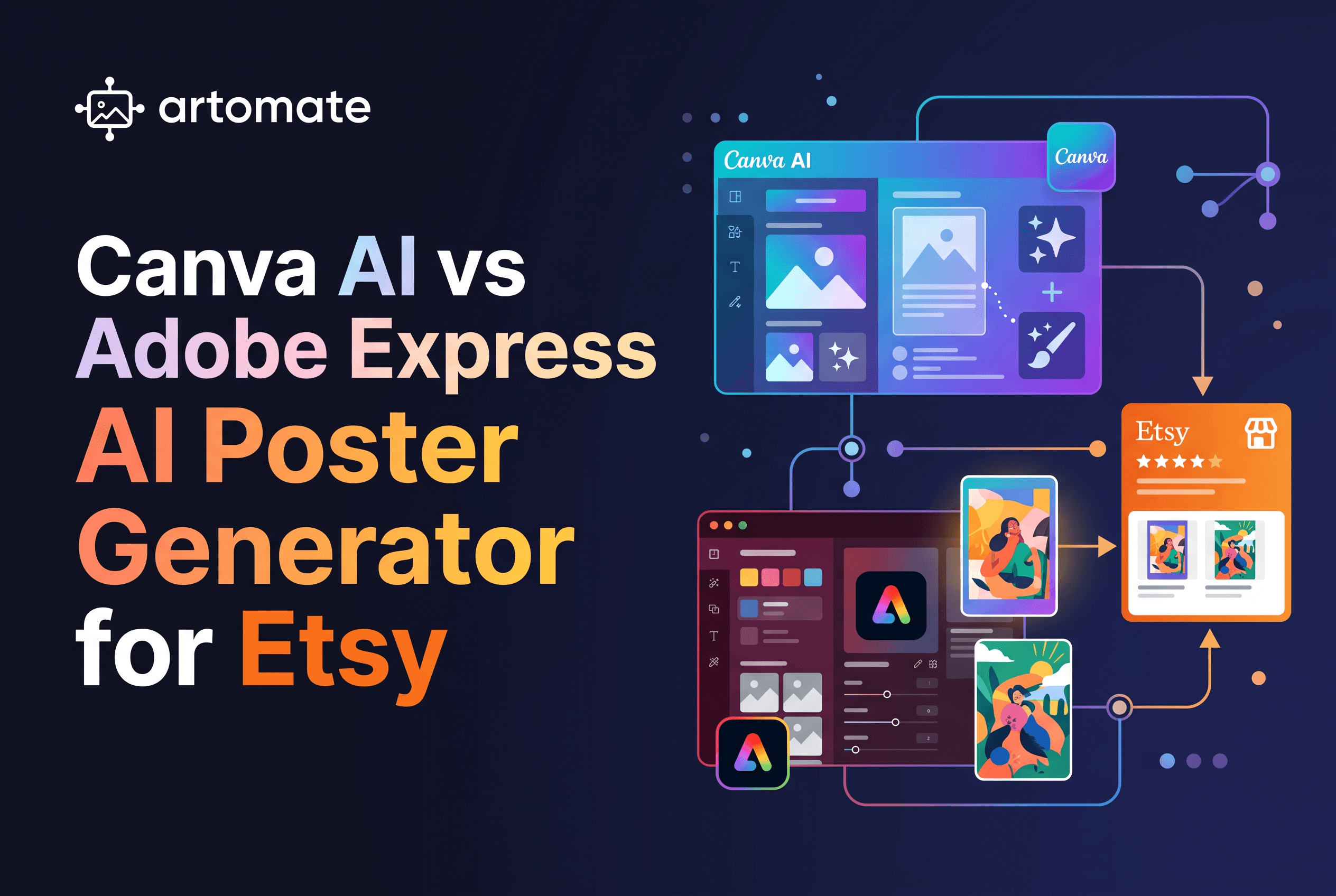
Canva AI vs Adobe Express: AI Poster Generator for Etsy
For an Etsy poster shop, both Canva AI and Adobe Express can generate a sellable poster file. The real difference is licence handling, credits and what happens after the file exists. Canva is the broader template-and-layout editor. Adobe Express runs on Firefly and says its poster outputs are designed to be commercially safe. Neither takes you from finished artwork to an Etsy draft listing.
That gap matters more than which AI poster generator wins on image quality. A poster is one file. A listing is mockups, a title, a description, tags and a draft, repeated for every design you add. This post compares the two editors on the criteria an Etsy seller actually weighs, then shows where Artomate picks up the work they leave.
Canva AI vs Adobe Express vs Artomate: who each is for
Canva AI is for sellers who want an all-in-one design editor with templates, brand tools and a Magic Media image generator inside the same canvas. Adobe Express is for sellers who want an Adobe-backed editor with Firefly generation and who care about the commercial-safety framing. Both are general design tools, so both stop once the poster file is finished.
Artomate is a workflow automation tool for Etsy print-on-demand poster sellers. It generates poster artwork, creates cloud mockups, and prepares Etsy draft listings with titles, descriptions and tags for your review. It is not a print provider and does not print or ship anything.
So these are not three rivals for one job. Canva AI and Adobe Express are where you might make a poster. Artomate handles the repetitive steps between a finished poster and a published listing. Third-party roundups rank both editors near the top of AI poster generator lists, with free plans and paid tiers: Toolworthy's roundup lists Canva Pro at US$144/year and Adobe Express Premium at US$9.99/month, but its other current Toolworthy pricing information lists Canva Pro at US$120/year.
Poster output, print sizes and aspect ratios
Both editors let you set poster dimensions and export for print, but you do the sizing yourself in either one. Canva's search-surfaced documentation does not specify which aspect ratios Magic Media supports, so the practical route is to set the canvas to your poster size and fit or crop the generated image to it.
Adobe Express supports popular sizes such as 11x17, 18x24 and 20x20 inches, plus custom dimensions. It exports PDF for print and JPG or PNG for digital use. Adobe describes a typical bleed as 1/8 inch per edge, so an 11x17 poster with bleed becomes 11.25x17.25 inches.
For Etsy this means one thing: if you sell several sizes of the same design, you resize and re-export by hand in both tools. Pick the editor whose size presets match the formats your print provider accepts, and check the printer's bleed and colour requirements before you export.
Commercial use: what each licence lets you sell on Etsy
Both vendors permit commercial use of AI-generated posters, with conditions you need to read before listing. Most sellers get tripped up here, so treat the details as a checklist, not a footnote.
Canva says Magic Media output can be used commercially under its AI terms. But the output may not be exclusive or copyright-protected, and Canva does not guarantee it is cleared, especially if it resembles someone else's work. Canva also says ordinary Canva stock content cannot be sold as-is or as a standalone element. The Etsy-specific rule: an original poster design is fine, but a template containing Pro content has to be sold as a Canva template link, not a PDF. Templates using only free content and your own assets can be sold as PDFs if the overall design is original.
Adobe says Firefly-powered poster outputs are designed to be commercially safe, and that Firefly output can be used in commercial projects, including beta features unless the product says otherwise. Adobe Stock and Express assets are a separate matter. A standard Stock licence does not allow resale where the asset itself is the main value, and Express assets marked with a crown may carry restrictions.
The rule that holds for both: make the poster a substantially original composition, check the licence on every non-generated element, and never present a single asset as the product. Neither vendor promises copyright protection or freedom from third-party claims. For a licence-first read of a related tool, see Ideogram vs Adobe Firefly: Which Suits Etsy Posters?.
Credits, free-plan limits and editable text
Canva's Free plan includes a limited number of Magic Media credits, but its pricing page does not state a fixed count. Magic Media uses one credit per successful generation, credits are tracked separately for each AI tool, and unused credits do not carry over. Canva Pro is listed at US$144/year per Toolworthy.
Adobe Express offers its AI poster generator on the free plan with limited daily generations that can vary by feature and change over time. Some tools, such as Generate Text Effects, currently do not use credits.
On editable text, both are layout editors, so text in a template stays a live, editable layer. That is a real advantage over pure image generators, where lettering is baked into pixels. If your posters are typography-led, decide whether you want editable text layers (Canva, Adobe Express) or lettering rendered by the image model.
Watch the credit maths against volume. A free allowance that covers a few test posters will not cover a catalogue. If you plan to add designs weekly, price the paid tier, not the free one.
Mockups and the path from poster to Etsy listing
Neither Canva AI nor Adobe Express turns a poster into an Etsy listing. You can build mockup scenes by hand inside either editor. Then you write the title, description and tags yourself, upload everything to Etsy, and repeat for the next design.
That per-listing loop is the real cost of selling posters. A single design means several mockups, a title, a description, a tag set and an Etsy draft. Multiply by every design in your catalogue and the editor you used to make the file is the smallest part of the job.
If you use Canva or Adobe Express to make your artwork, plan the handoff. Export a clean print-ready file, keep your sizes consistent, and decide up front where mockups and listing copy will come from. The editors will not do it for you. For how others handle the upload step, see Bulk Upload Etsy Listings: 5 Tools Compared.
Side-by-side comparison table
| Criterion | Canva AI | Adobe Express | Artomate |
|---|---|---|---|
| What it is | General design editor with Magic Media | General design editor with Firefly | Workflow automation for Etsy POD poster sellers |
| Poster sizes | A3, A2, A1, 18 x 24 in; custom | 11x17, 18x24, 20x20; custom | Poster artwork and mockups for Etsy listings |
| Print export | PDF Print at printer dimensions | PDF for print, JPG/PNG for digital, 1/8 in bleed typical | Not a print provider |
| Commercial use | Allowed under AI terms; not exclusive or guaranteed cleared; Pro template content sold as a link | Firefly output designed to be commercially safe; Stock and crown assets may be restricted | Not applicable: you review each draft before publishing |
| Free plan | Limited Magic Media credits, count not stated | Limited daily generations | Flex: pay per successful generation, no subscription |
| Paid credits | Canva Pro US$144/year (per Toolworthy) | Premium: 250 generative credits/month | Enterprise (BETA): 400 image credits/month |
| Editable text | Live text layers in templates | Live text layers in templates | Not a text editor |
| Mockups | Build by hand | Build by hand | Cloud PSD mockups, custom PSD templates supported |
| Etsy draft listing | No | No | Yes, with titles, descriptions and tags |
Read the table by job, not by column. The two editors are close to each other on poster making. The gap opens at the Etsy steps.
Where Artomate fits: artwork to mockups to Etsy draft listing
Artomate covers the part of the workflow both editors leave open: the path from a poster idea or finished artwork to an Etsy-ready draft listing. It generates poster designs with current AI image models, creates product mockups in the cloud without Photoshop, and prepares Etsy draft listings with artwork, mockups, titles, descriptions and tags for your final review before publishing.
It can also research demand from your paid Etsy order history or platform demand signals to find adjacent poster ideas with real buyer intent, and run the pipeline on a schedule in the background. Custom PSD templates are supported, and AI title and tag suggestions are included.
Pricing is on the live pricing page. Flex is £2 per successful generation with no subscription, and each generation includes one AI image, a standard mockup set, listing title, description and tags, and an optional Etsy draft. Failed generations are not charged. Starter is £20/month if you bring your own artwork, and Enterprise (BETA) is £50/month with 400 image credits and unlimited Etsy posts. Check the page before quoting, since it changes.
Two boundaries to be clear about. Artomate is built for Etsy and for posters, and it is not a print provider, so it does not print or ship. Listings arrive as drafts for you to review, not auto-published. Many sellers use an editor like Canva or Adobe Express for one-off design work and keep Artomate for the repeatable listing pipeline. For the cost side of a poster shop, see Cost to Start a Poster Print on Demand Shop on Etsy.
Verdict: which to pick for an Etsy poster shop
If you only need to make a poster file, either editor works, and the choice comes down to licence comfort and credits. Adobe's commercially-safe positioning for Firefly output is the cleaner story for a seller who worries about licensing. Canva's strength is its template library and layout tools, with the Pro-content template rule to watch.
If your problem is the repeated work after the poster exists, neither editor solves it. That is where Artomate belongs. Choose Artomate when you want to grow a poster catalogue without rebuilding mockups and listing copy for every design, and you are happy to review each Etsy draft before it goes live.
Start with one design and see the draft listing
Canva AI and Adobe Express are fine places to make a poster, and both leave the mockups, copy and Etsy draft to you. Artomate takes that repetitive stretch. Pick one design, run it through Artomate, and review the draft listing it prepares for your shop. The Flex plan has no subscription, so one generation is enough to see the output at artomate.app.

George Jefferson
Founder of Artomate
George has generated over £100k selling AI-generated posters on Etsy and built Artomate to automate the entire print-on-demand workflow. He writes about AI art, Etsy strategy, and scaling a POD business.
Learn more about me →