AI Poster Generation: From Prompt to Product in Minutes
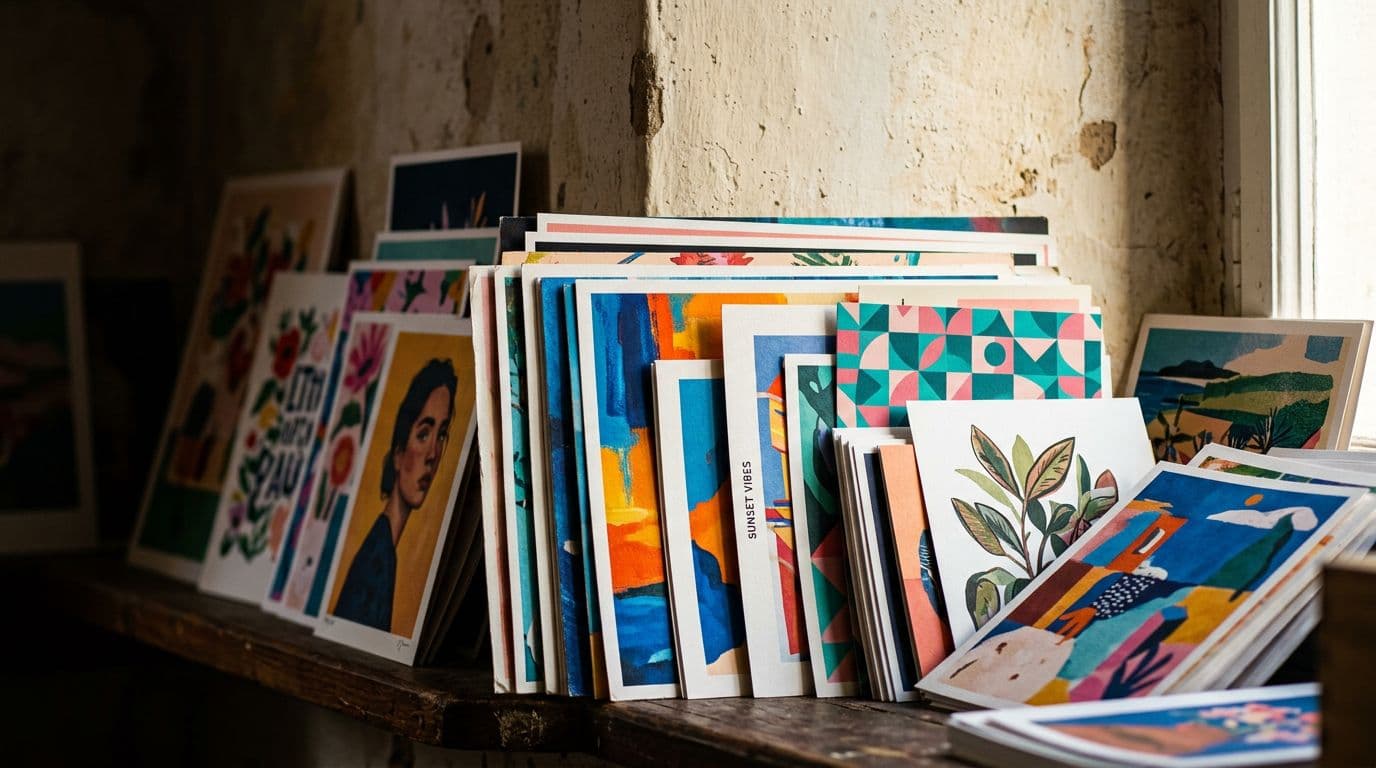
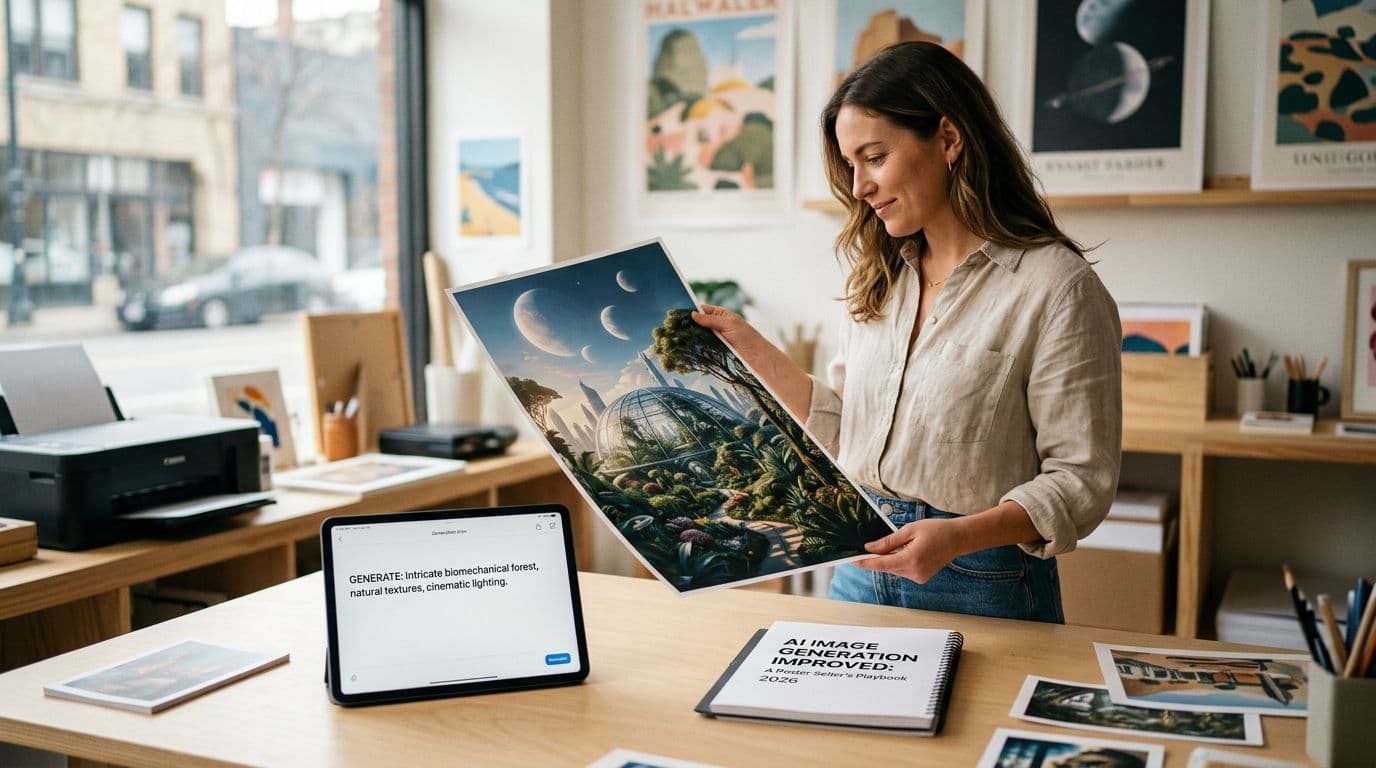
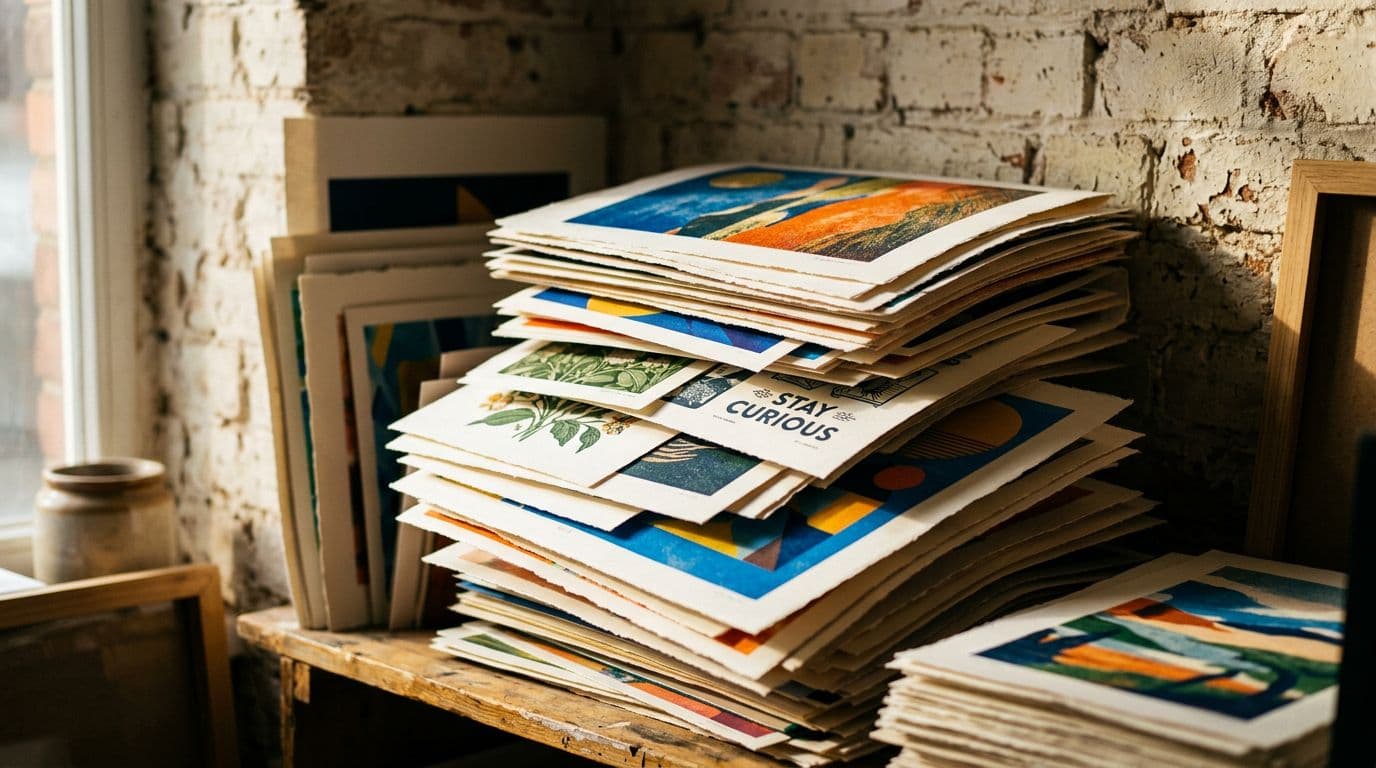
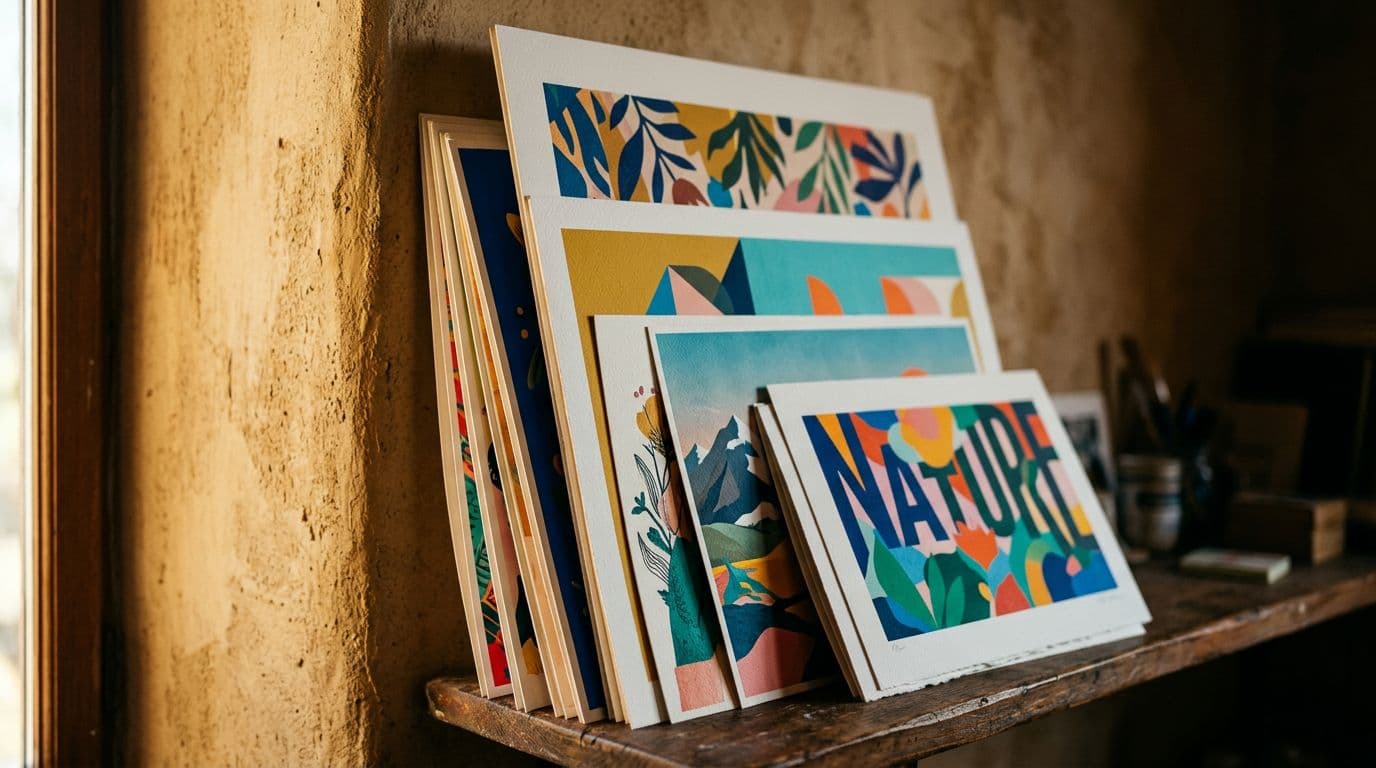
AI image tools have changed how I run my Etsy poster shop. A design that used to take me a full afternoon now takes a couple of minutes to generate, another hour to polish, and a few more hours to turn into a fully optimized Etsy listing that actually sells. That speed matters because Etsy rewards breadth and rapid testing. The faster you can generate and validate ideas, the more likely you are to find repeatable winners that pay the bills.
I built Artomate after living the grind of manually producing mockups, writing titles, and uploading twenty listings at a time. I still enjoy designing, but I stopped doing repetitive work that eats time and kills momentum. What I want to share here is practical: which image models I trust for print work, how I keep my costs profitable using a poster-friendly POD partner, the exact checklist I run on every file before it ever hits Etsy, and the operational setup that lets me move from prompt to product in minutes for generation and hours for a sale-ready listing. I’ll also call out the mistakes I’ve made, the legal traps to avoid, and the soft metrics that actually move the needle on Etsy.
If you want a ready-to-copy AI disclosure paragraph, a pricing calc for a chosen poster size, or an SEO audit of five listings, tell me at the end and I’ll produce those templates. For now, this is everything I do when I want a new poster live and profitable fast.
Current market trends: why this moment matters
Faster models, better prints
Model capability improved faster than most sellers expected. A couple years ago I chased outputs that needed heavy cleanup. Now with models like GPT Image 1.5 and Nano Banana Pro you get much cleaner compositions and predictable iterations, so less time is wasted fixing strange artifacts. That matters because posters need clean edges, readable typography, and consistent color across sizes, and those are the areas modern Tier‑1 models handle far better than the early generation tools did.
Market scale and Etsy’s bias toward volume
Etsy’s algorithm quietly rewards shops with more listings. I’ve watched tiny niche shops gain traction by publishing lots of variations—colorways, sizes, mockups—and letting the data tell them what converts. That’s why speed matters. If you can generate 50 related designs in a day, you’ll find the handful that bring traffic and sales, while competitors who publish one or two lose the volume advantage.
POD economics have stabilized for posters
Print‑on‑demand pricing has become predictable enough that you can plan margins. For posters I use Printshrimp because their A1 pricing (about £11.49 including shipping) keeps my retail price competitive while leaving room for a healthy margin. In practice, a well-priced unframed poster at £34.99 using Printshrimp usually gives me £20+ profit after Etsy and payment fees on the larger sizes. That margin is enough to reinvest in ads and new designs.
Picking the right image model and confirming licensing
My Tier‑1 model picks and why I use them
I rely on three models depending on the job. GPT Image 1.5 is my go‑to for posters that need tight composition and reliable text handling. Nano Banana Pro shines when I want studio-level control or to match a non-English typeface. Seedream 5.0 Lite is my pick for stylized or photoreal pieces that need 4K outputs. I avoid models we don’t support, so I don’t use Midjourney, Adobe Firefly, or DALL‑E 3 for production work.
Confirming commercial use and saving proof
Always check the model’s commercial terms before you generate. I take a screenshot of the licensing page and save logs that show model name, seed (when available), and the prompt. Why? Because if someone challenges a design later you need evidence of what you asked the model and when. That record also helps if you want to claim human creative contribution for copyright reasons.
Practical checklist for model selection
- Pick a model with explicit commercial rights and predictable output behavior.
- Test text rendering at the size you plan to print; if the model mangles type at 4K, don’t use it.
- Save a generation log and a screenshot of the model terms.
I keep all of this in a timestamped cloud folder so I can show provenance if needed.
From prompt to a usable composition: generation best practices
Write prompts that are functional, not poetic
A poster prompt should describe composition, color palette, and negative space as if you were directing a photographer. I prefer prompts that specify size relationships ("large central botanical, 60% canvas; minimal negative space on sides"), lighting ("flat studio light"), and mood ("muted warm palette, 1970s print texture"). This is not creative writing. Precise prompts get usable outputs faster, which is the whole point.
Use reference images for brand consistency
When I build a collection, I feed 4–8 reference images into the model to keep style consistent across variants. That’s how you make a poster line that looks cohesive without handcrafted adjustments on every file. Use the same reference set when you update colors so buyers feel like they’re browsing a curated shop.
Resolution, seeds, and upscaling strategy
Generate at the highest native resolution the model supports, or use a reliable upscaler if you need a final output equivalent to 300 DPI at the largest print size. I often export a flattened 4K file plus an editable layered workfile for each design. When a model supports a seed value, save it. Recreating an exact output months later is easier when you have seeds and prompts recorded.
Post‑processing and color management: finishing touch steps
Quick fixes I always run
AI outputs still throw up artifacts: tiny texture glitches, weird edges, or unreadable text. My standard post‑process is 20–40 minutes per image: clone out artifacts, clean edges, and refine typography. I use Photoshop for raster edits and Affinity for vector text fixes because they let me correct small issues without wrecking the composition.
Handling typography and text elements
If the poster includes text, I replace any AI‑generated type with real vector type where possible. That prevents fuzzy prints and avoids odd font kerning that shows up on larger sizes. If a design uses a custom handlettered style, I rasterize at high resolution then carefully retouch letterforms. Replacing text with vector fonts also helps if you ever need to create translated variants.
Color profiles and test prints
Export using sRGB and ask your POD for their recommended profile. For large runs I create a printer proof on paper stock that matches my POD’s options just to confirm color and contrast. For posters I prefer 200gsm "museum‑grade" paper—Printshrimp offers this and I’ve found it holds color and blacks without glare. A single test print saved me from launching a listing that would have produced muddy blacks and a slew of refunds.
Mockups, variants, and product photography that converts
Types of mockups that work on Etsy
You need framed, unframed, and in‑room lifestyle mockups. Buyers respond to seeing scale and context. I usually include a close‑up shot of paper texture, a framed-in-situ photo, and a lifestyle shot that suggests the room where the poster belongs. Those three templates cover most buyer questions and lift CTR.
Automating mockup creation without losing quality
Automation saves time but don’t auto‑dump everything. I use scripted mockup renders to produce 20 candidate images per design, then handpick the top 3–5 to use on the listing. Tools like Artomate are useful here because they automate mockup placement and resize for Etsy image specs while letting you keep control over which images go live.
Curating the final image set
Less is more. Etsy shoppers scroll fast. I pick one hero lifestyle image and two supporting shots: one framed, one detail. If I have a short listing video I use it to show scale and a simple pan across the print. The goal is to answer the buyer’s unspoken questions in the first images so they click through to buy.
Listing composition, poster SEO, and Etsy listing optimization
Titles, tags, and the first 40 characters
Etsy shows only the first 40 characters on mobile, so I front‑load the primary keyword. For example: "Botanical Poster 16x20, Fern Wall Art, Nursery Print". That places the buyer intent keyword early while still keeping it readable. I use long‑tail tags like "botanical poster 16x20" and "fern wall art nursery" to pick up specific searches.
Use every attribute and fill all tags
Attributes are low-hanging fruit. If your poster suits "living room" or "office" as a room attribute, add it. Color, size, and occasion attributes all help Etsy match you to searches. I treat attributes like extra tags and fill them deliberately rather than leaving defaults.
Photos, video, and CTR signals
Etsy rewards listings that get clicks and convert. A crisp hero image, a short mobile‑optimized video, and clear policy/processing time information together boost listing quality. When I test a listing, I watch impressions → CTR → conversion and attack whichever stage is weakest. If impressions are low, tweak the title and tags. If CTR is low, change the hero image. If conversion is low, check price, mockups, and shipping expectations.
Pricing, fees, and poster margins that actually work
Breaking down the fee stack
I price posters by building a simple fee stack. Here’s the structure I use:
- POD base cost (example: Printshrimp A1 ≈ £11.49 including shipping)
- Etsy listing fee: $0.20
- Etsy transaction fee: 6.5% of the sale price
- Payment processing: roughly 3% + $0.25 (US example)
That second bulleted list is the only spreadsheet you need before you pick a retail price. If I plan to retail a large poster at £34.99 and the POD cost is £11.49, after Etsy and payment fees I target a net margin of at least 30–50%.
Pricing tiers and psychological pricing
I offer an unframed option at a lower entry price to capture impulse buyers and framed options as premium upsells. For instance, unframed 12x16 at £12.99, unframed 16x20 at £19.99, and framed options at £39.99–£59.99 depending on frame. Buyers are used to seeing the cheap-unframed/premium-framed ladder. It increases average order value and gives me room to run ads against the lower price while still profiting from framed sales.
A worked example with Printshrimp numbers
Using Printshrimp, an A1 poster base cost of £11.49 and a retail price of £34.99 looks like this: subtract the POD cost, subtract roughly 10% total for Etsy + payment processing, and you’re left with about £20. That aligns with my target margins and makes ad spend viable. If a listing converts at 2–3% and a small £5–£10 ad spend brings buyers, that listing becomes repeatable revenue rather than a one-off experiment.
Launch strategy: testing, ads, and measuring the right things
Small ad tests to gather real data
Organic traction can be slow. I always run small Etsy Ads to get a baseline CTR and conversion number for new listings. Spend £5–£15 per listing for 3–5 days. That tells you whether the title and hero image are attracting clicks and whether the listing converts. If the CTR is low but impressions are decent, change the hero image. If CTR is high but conversion is low, fix pricing, shipping, or mockups.
What metrics I watch and why
I watch impressions → CTR → conversion. Impressions show whether your metadata is matching searches. CTR tells you if your images and title are compelling. Conversion shows whether your product and price deliver. Ads accelerate that funnel so I can diagnose issues faster than waiting for organic traffic.
Iteration cadence and stopping rules
I give each new listing a 7–14 day window for initial testing. If after that time the listing has underperformed (CTR < 0.5% with decent impressions, or conversion < 0.5% despite good CTR), I pause it and either rework images and title or shelve the design. Winners get scaled with more variants, and I pour ad budget into those winners to compound ranking signals.
Scaling operations: automation, bulk listing, and recordkeeping
Workflow that scales from 1 to 1,000 listings
Scaling is mostly about systems. My pipeline looks like this: prompt generation → high-res export → quick retouch → mockup generation → listing template fill → bulk upload. That pipeline means the creative step is minutes, and the administrative step is a template fill and upload. Once you standardize the template you can bulk produce 50–200 listings a day with a small team or automation.
Tools that actually save time
For mockup and bulk listing automation I use a mix of scripts and tools. This is exactly why we built Artomate — to automate mockups, generate SEO metadata, and upload bulk listings while keeping control of the creative decisions. For smaller volumes I use scripted Photoshop actions and a CSV upload flow, but anything beyond a handful of listings a week pays for automation quickly.
Recordkeeping and IP hygiene at scale
When you scale you need audit trails. I keep a folder per design with prompts, model names, seeds, edit notes, and the final print file. That folder is timestamped and stored in cloud version control. If a buyer or a platform questions the origin, I can show the prompt and the human edits that turned it into a sellable product. That documentation is also what lets you credibly claim the human contribution needed for copyright protection in many jurisdictions.
Common mistakes and real pitfalls I’ve paid for
Skipping license checks and losing time
A few months into my first AI experiments I used a model whose commercial terms were ambiguous. I had to rework several designs and re-run generation on a different model. That cost me days and left me with a half-broken collection. Now I always confirm commercial rights before I start generating and I save the terms with each project.
Shipping surprises and underpricing
Early on I underpriced framed options because I forgot to include a realistic shipping buffer. That led to a batch of orders where profit disappeared after refunds and reprints. I now add a shipping contingency and test each POD partner with an actual order so I know dispatch time and packaging quality. Printshrimp’s included shipping and consistent dispatch times removed that variable for me.
Publishing raw AI output without quality checks
I once published raw outputs with tiny artifacts and paid for it with returns and a bad review. A clean retouch step catches 90% of those issues. Don’t skip it.
Success patterns and benchmarks I follow
Volume with focused niches wins
Top shops keep hundreds to thousands of listings but they aren’t random. They cluster around 3–5 niches and squeeze variants out of each concept. I follow that same approach: pick a visual theme, make 20–50 variants, and use the data to find winners. That gives you the visibility of volume without spreading your brand thin.
A/B testing and rapid iteration
I run color and mockup A/Bs on winners. Sometimes a simple palette shift bumps conversions from 1% to 3%. That change pays for the whole collection. Test continuously and scale the winning combinations.
Benchmarks I aim for
My targets are realistic: conversion 2–3% on validated listings, net margins 30–50% after fees, and average order value increased via framed upsells. If a listing hits those numbers I double down; if not, I iterate or pause.
Legal and IP considerations: AI art copyright and disclosure
Documenting human creative input
The U.S. Copyright Office has said that purely AI‑generated works lack protection if human creative contribution is minimal. I treat that guidance seriously. I keep versioned edits, notes about compositional choices, and proof of manual retouching. That’s the record I’d use if I ever needed to demonstrate meaningful human authorship.
Disclosure on Etsy and why I still add one
Etsy asks sellers to disclose AI usage for seller‑prompted creations. Enforcement has been light, but disclosure builds trust and avoids surprises. I include a single sentence in the description: "Design created with AI‑assistance; final artwork refined and edited by hand." That’s brief, honest, and keeps buyers informed without sounding alarmist.
Avoiding copyrighted prompts and fan art
Don’t prompt for recognisable copyrighted characters or logos without a license. I avoid those references because legal risk is not worth the short-term traffic. If you want fan-style pieces, either license imagery or design something inspired by the idea without copying protected elements.
Future outlook: what I’m preparing for next
Model improvements and tighter POD integrations
I expect commercial models to ship features that make production easier: native 4K outputs, better multi‑reference consistency, and clearer commercial licensing. I’m watching for tools that integrate image generation directly with POD sizing and color profiles so fewer manual steps are needed.
Market and legal tightening
Etsy will refine its creativity standards over time and courts will clarify copyright issues further. My plan is simple: document everything, avoid risky prompts, and keep clear human edits. That approach should keep my shop on the right side of policy changes while letting me move faster than competitors who cling to old workflows.
Operational edge is automation
The long-term advantage will be operational. Designers who automate mockups, SEO, and uploads will handily outpace those who do everything by hand. Automation doesn’t replace taste; it frees up time to test more concepts, refine winners, and provide excellent customer service.
Final Thoughts
AI poster generation has given me the chance to test more ideas, find predictable winners, and make better margins on Etsy posters than I managed in the old manual days. The trick isn’t just the model — it’s the pipeline: pick a commercial model you trust, clean outputs quickly, use a poster-friendly POD like Printshrimp for predictable costs, and automate the boring parts so you can focus on what matters: finding designs people actually want to buy. Tools like Artomate speed that pipeline up and let you scale without turning your evenings into admin marathons. If you want the templates I mentioned — AI disclosure copy, a margin calculator for a specific poster size, or an SEO audit of five listings — tell me which one and I’ll put it together.

George Jefferson
Founder of Artomate
George has generated over £100k selling AI-generated posters on Etsy and built Artomate to automate the entire print-on-demand workflow. He writes about AI art, Etsy strategy, and scaling a POD business.
Learn more about me →